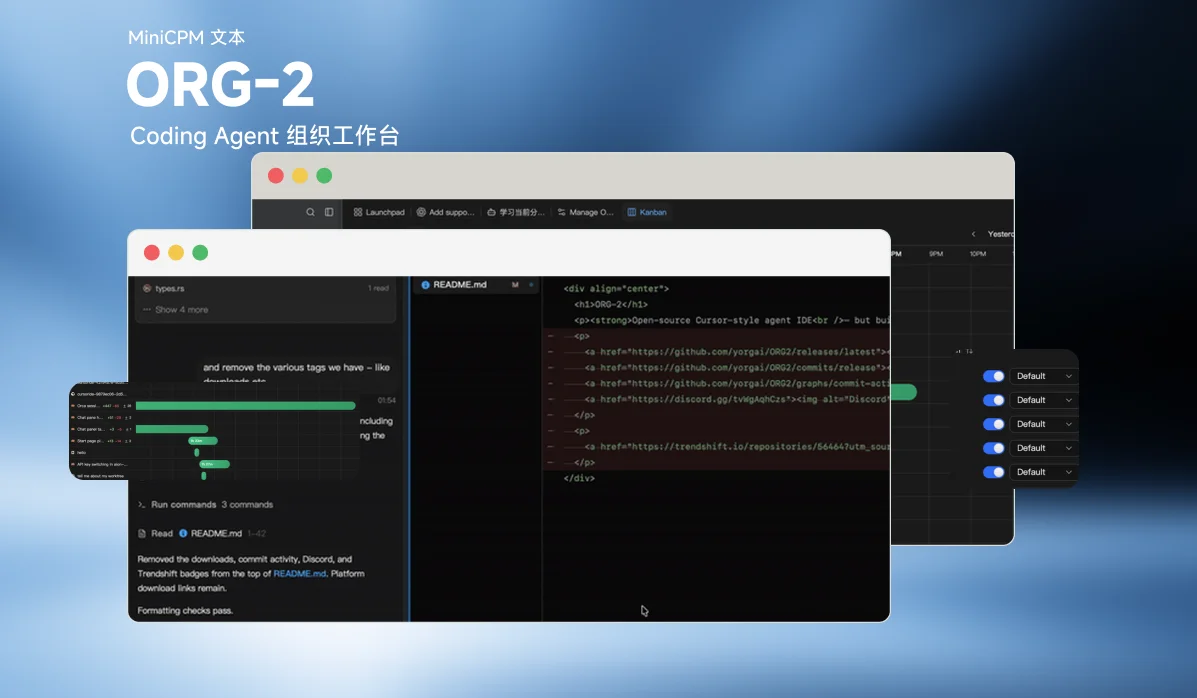
ORG-2 aims to be the system of record for how agents build software: run your coding agents, replay any session, review as a team, and trace every line back to the decision behind it. It is built with Rust and Tauri for local-first execution under 100MB on disk, and supports livestreaming and replaying agent trajectories.
Why it exists
Answering why a piece of code exists — and whether it worked — has always meant stitching systems together by hand. Jira sees only tickets. Codex sees only its own sessions. GitHub sees only committed lines. Amplitude sees only metrics. That was survivable when humans wrote the code. At agent speed it isn't: code written on Monday is legacy by Friday.
ORG-2 is where your team runs its coding agents — a native Rust harness plus launchers for 20+ agent CLIs — and it builds that record automatically:
- Every session becomes a trajectory teammates replay like a video, reviewing how the work was actually built rather than just the diff, and commenting in context.
- Sessions run in other tools are ingested and backfilled from their history, so the record covers work that never touched the app.
- The record links what the human asked for, what the agent understood, and what it actually did, so any shipped line traces back to the session that wrote it.
It is not just another AI coding tool; it is an experiment in human/agent organizations and org-level alignment. ORG-2 treats agents as persistent, observable colleagues inside a structured organization — replayable execution, cross-session memory, AI blame, and a local-first Rust runtime so humans, agents, and teams can collaborate around shared context and aligned goals.
Features
Built-in Rust harness
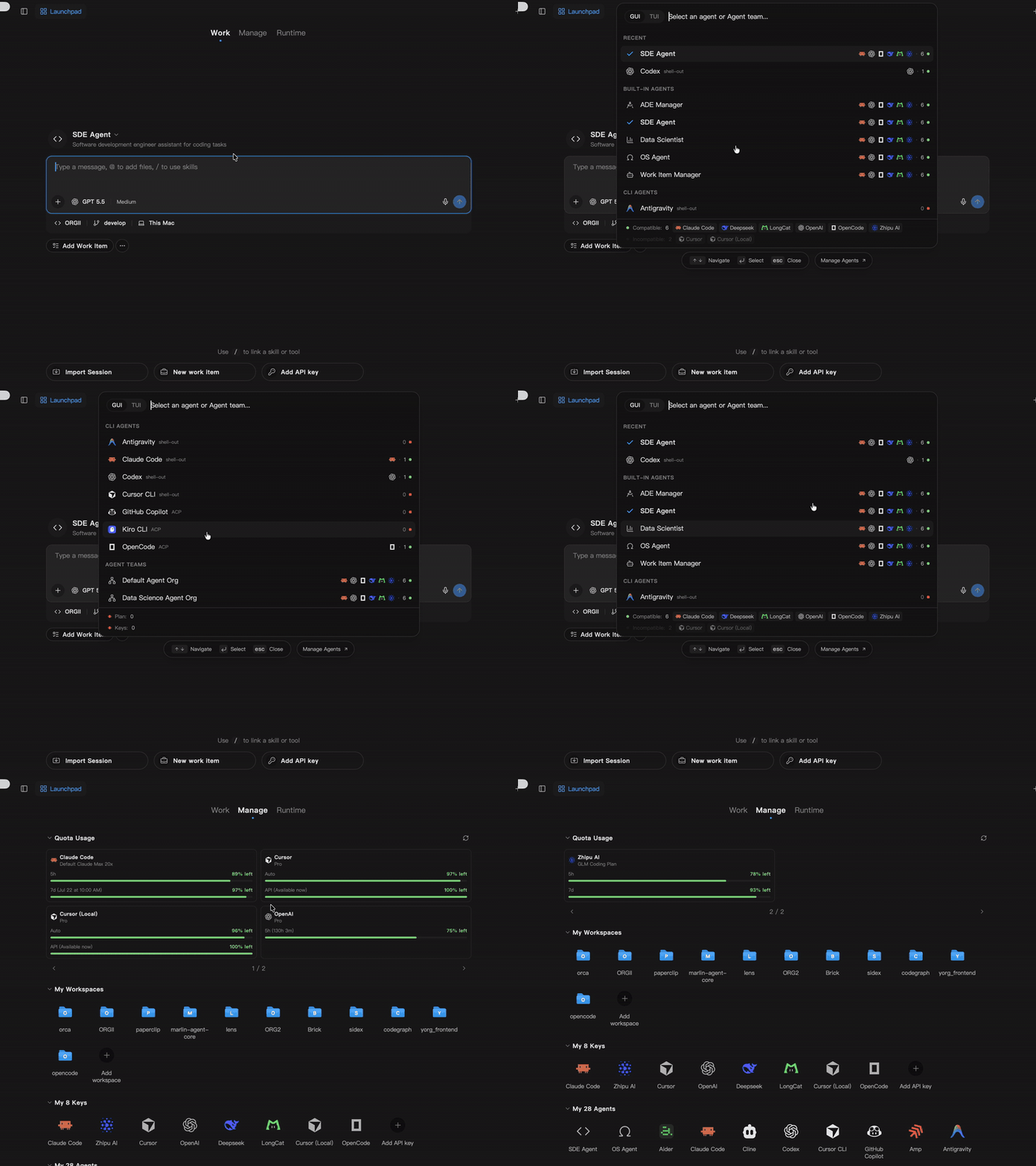
Run fast, token-saving, customizable native agents with your existing API keys and agent subscriptions.
Manage sessions across 10+ apps and CLIs
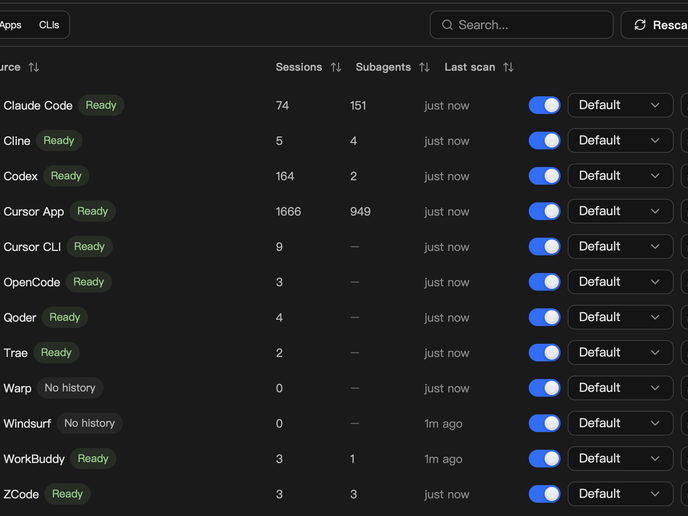
Load and manage agent sessions from all your tools in one place. Scan history, inspect subagents, and control each source without switching apps.
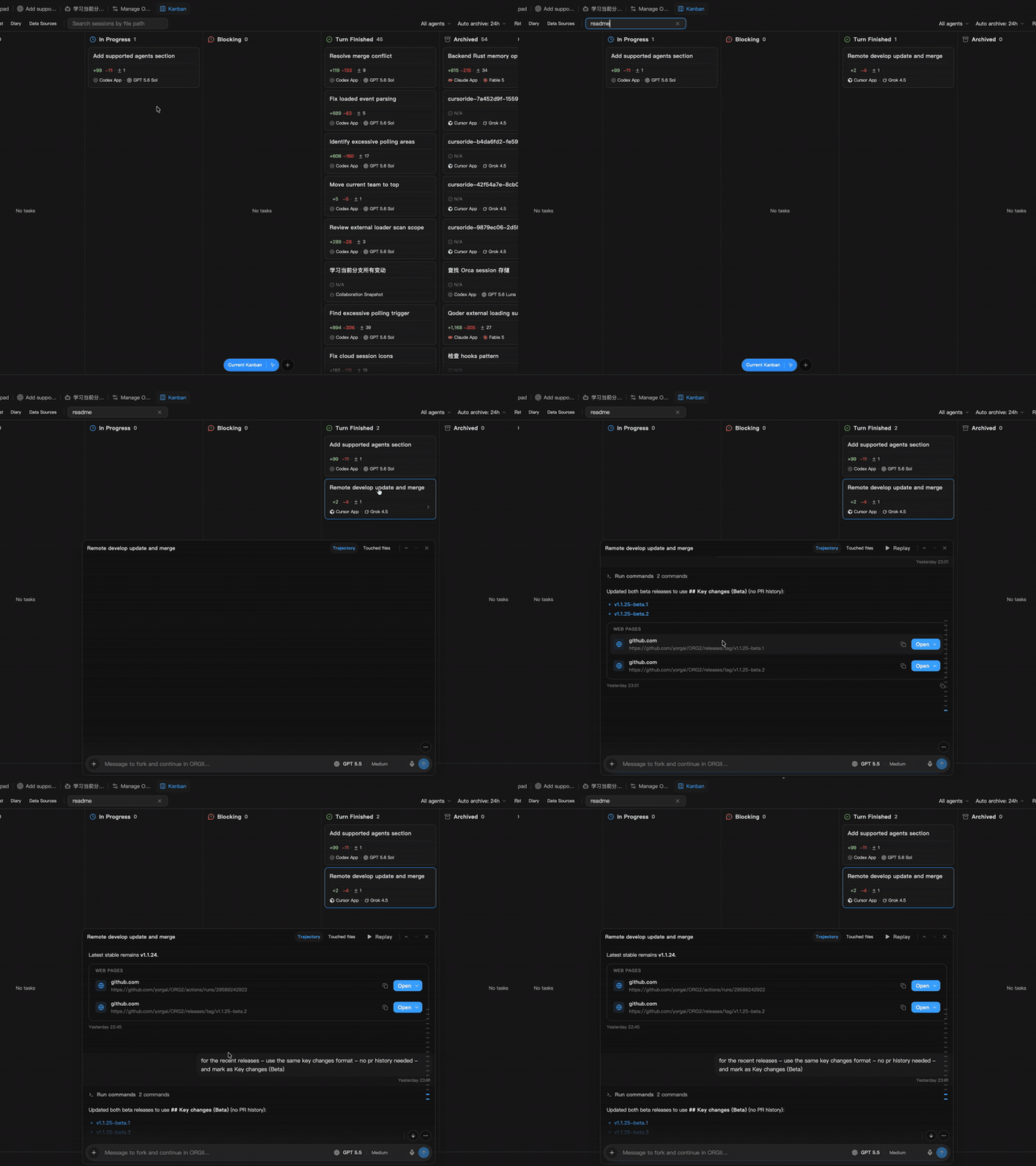
Team up and review trajectories, not just PRs
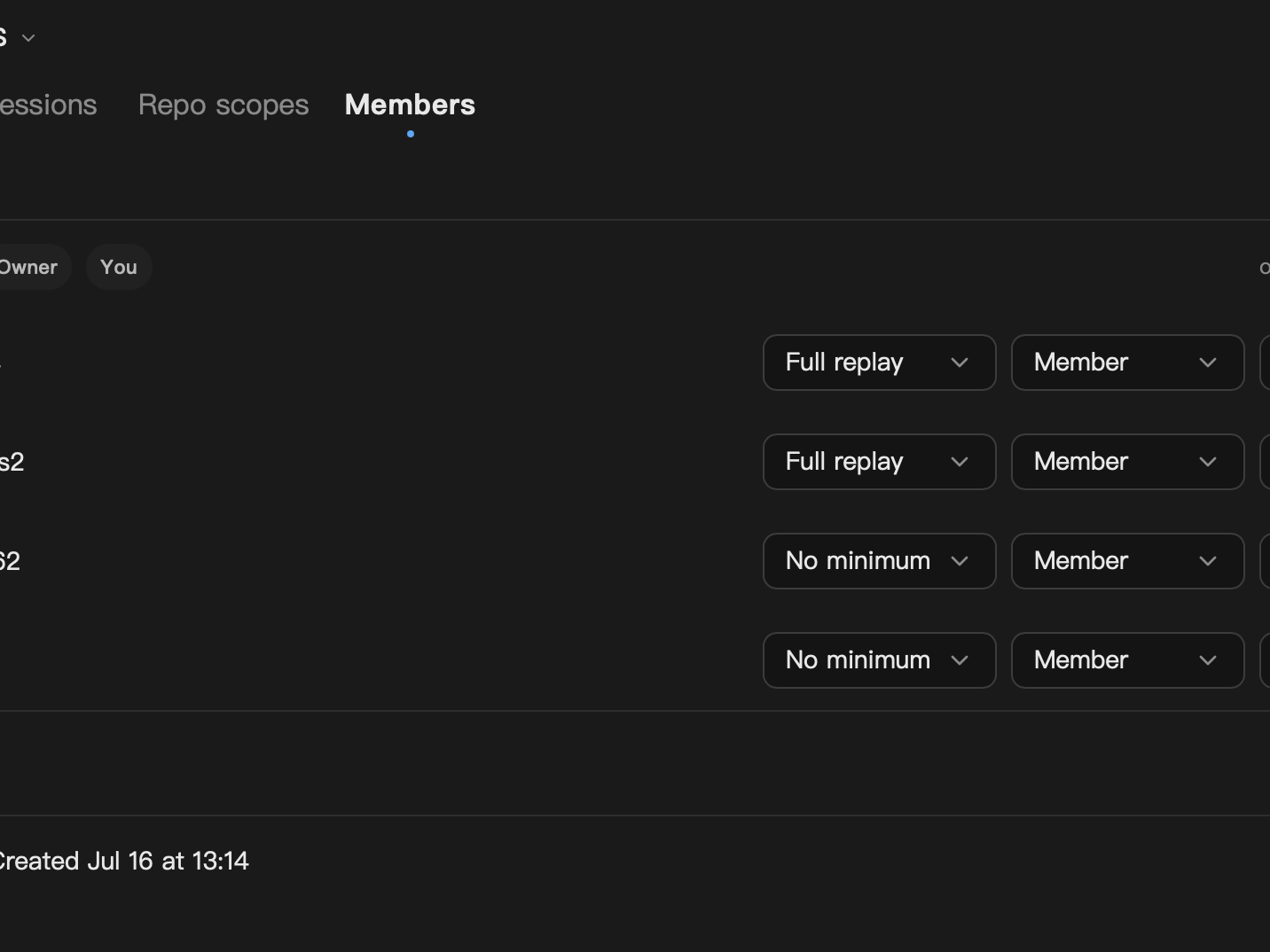
Form your team and share sessions across devices and teammates. Review the full agent trajectory, not only the resulting diff, and leave comments in context.
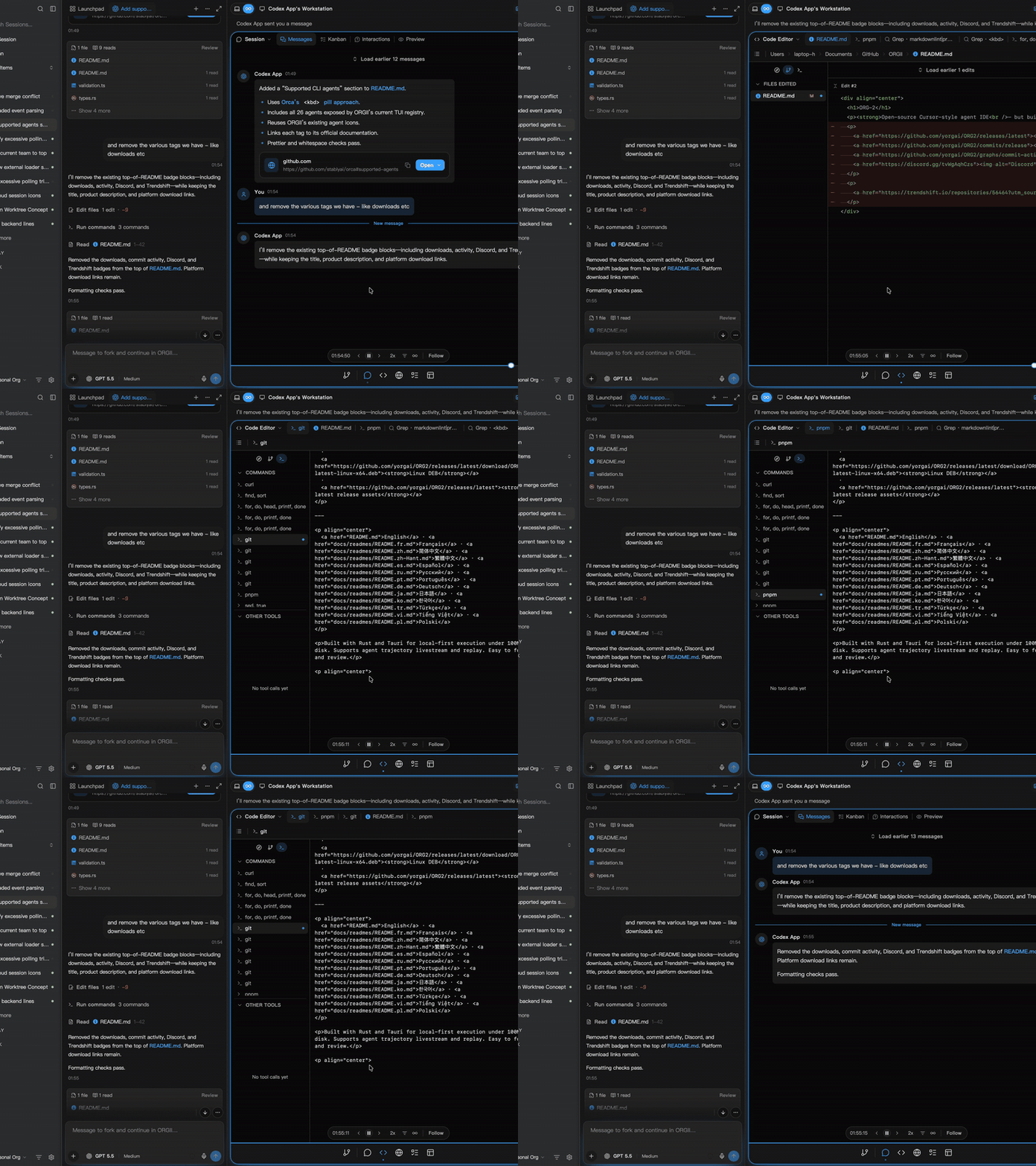
Tool calls, now as videos
Replay work from the native Rust harness and 15+ CLI agents. Messages, tool calls, file edits, and command output stay synchronized in one reviewable timeline.
AI blame, not just Git blame
Do not stop at who changed a line. Trace it back to the agent sessions, tool calls, and decisions that drove the change.
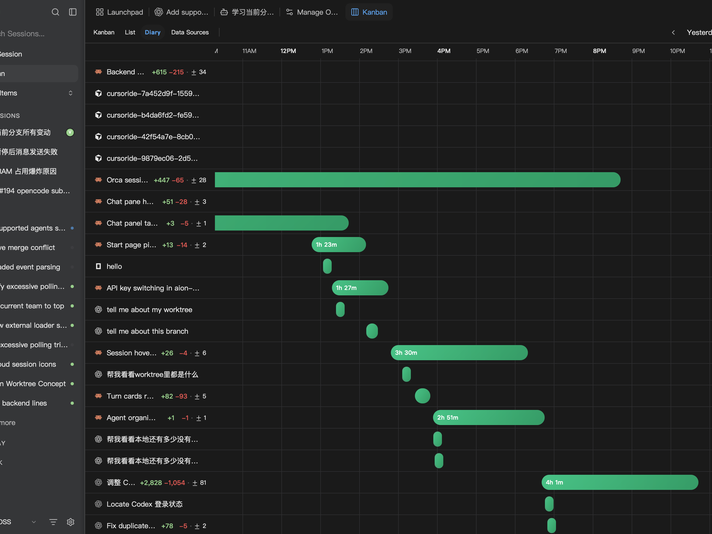
Stay on track
See how your time is spent across tasks and agent sessions. A daily activity timeline keeps duration, code changes, and priorities visible.
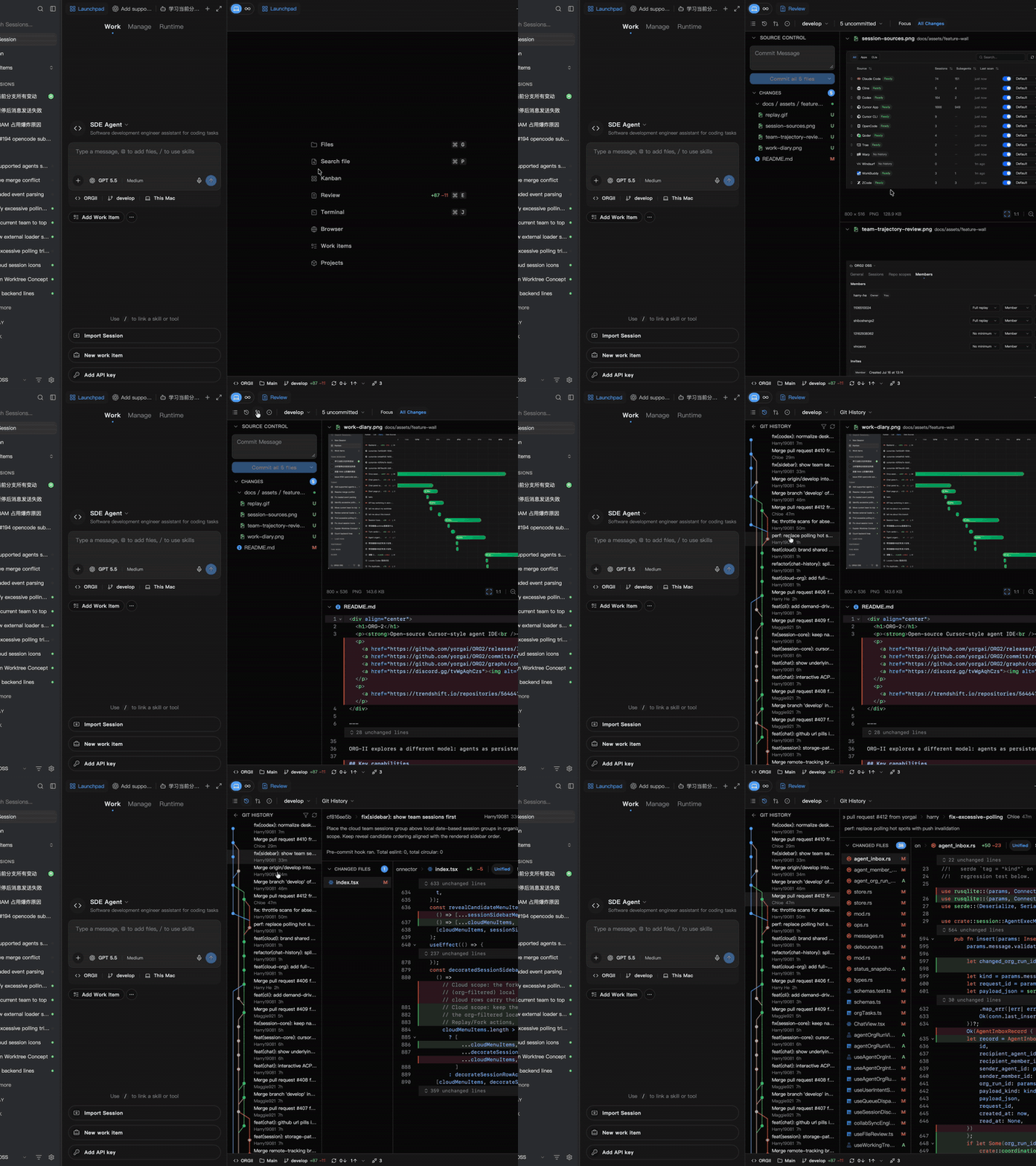
Full dev workspace
Use the terminal, manage source control, trace Git history, and review pull requests without leaving your agent workspace.
Design Mode
Inspect live pages in the native WebKit browser. Select an element and send its exact page context straight to the agent for a straightforward fix.
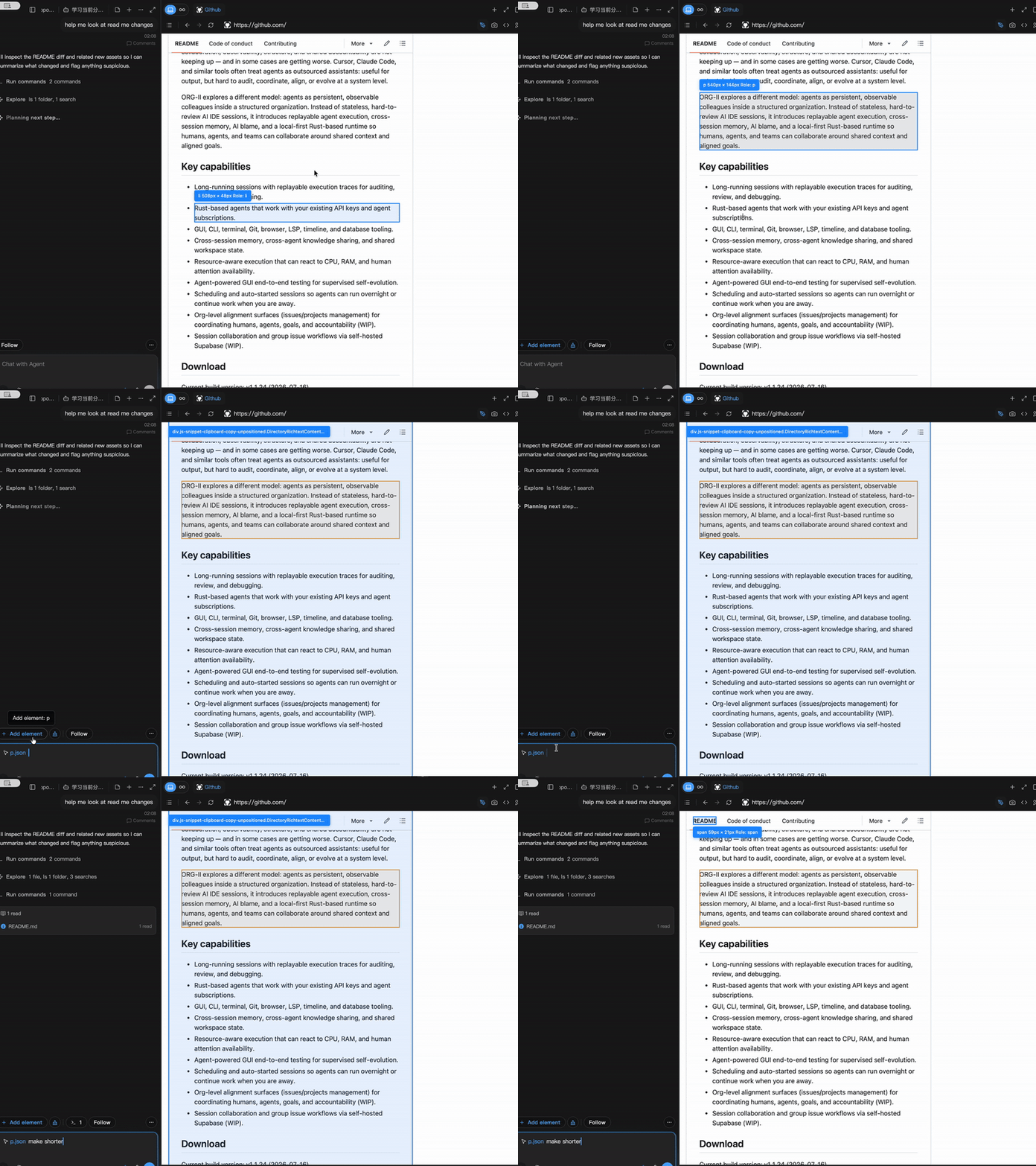
More capabilities
- GUI, CLI, terminal, Git, browser, LSP, timeline, and database tooling.
- Cross-session memory, cross-agent knowledge sharing, and shared workspace state.
- Resource-aware execution that can react to CPU, RAM, and human attention availability.
- Agent-powered GUI end-to-end testing for supervised self-evolution.
- Scheduling and auto-started sessions so agents can run overnight or continue work when you are away.
- Org-level alignment surfaces (issues/projects management) for coordinating humans, agents, goals, and accountability (WIP).
- Session collaboration and group issue workflows via self-hosted Supabase (WIP).
Supported agents
Besides the built-in Rust harness, ORG-2 can launch these coding-agent CLIs from the desktop app:
- GUI + TUI: ORG-2, Cursor CLI, Claude Code, Codex, Kiro CLI, GitHub Copilot, OpenCode, Antigravity.
- TUI: Kimi Code CLI, Aider, Goose, Amp, Cline, Kilo Code, Grok CLI, Devin, Hermes, OpenClaw, Codebuff, Qwen Code, Mimo Code, Continue, Droid, Mistral Vibe, Autohand, OMP, Pi.
Quick start
Desktop builds for macOS Apple Silicon, Windows (installer / MSI), and Linux (AppImage / DEB) are available from the latest GitHub release.
To build from source:
pnpm install
pnpm run download:sidecars
pnpm run tauri:dev
Browser Use and Computer Use rely on optional native helpers: agent-browser (from vercel-labs/agent-browser) for browser automation and peekaboo (from steipete/peekaboo) for macOS screen automation. Computer Use is currently macOS-only.
Links
- GitHub: yorgai/ORG2
- Discord: discord.gg/tvWgAqhCzs