Welcome to the
OpenBMB Community
From local chat and multimodal interaction to agent apps, explore on-device AI with MiniCPM
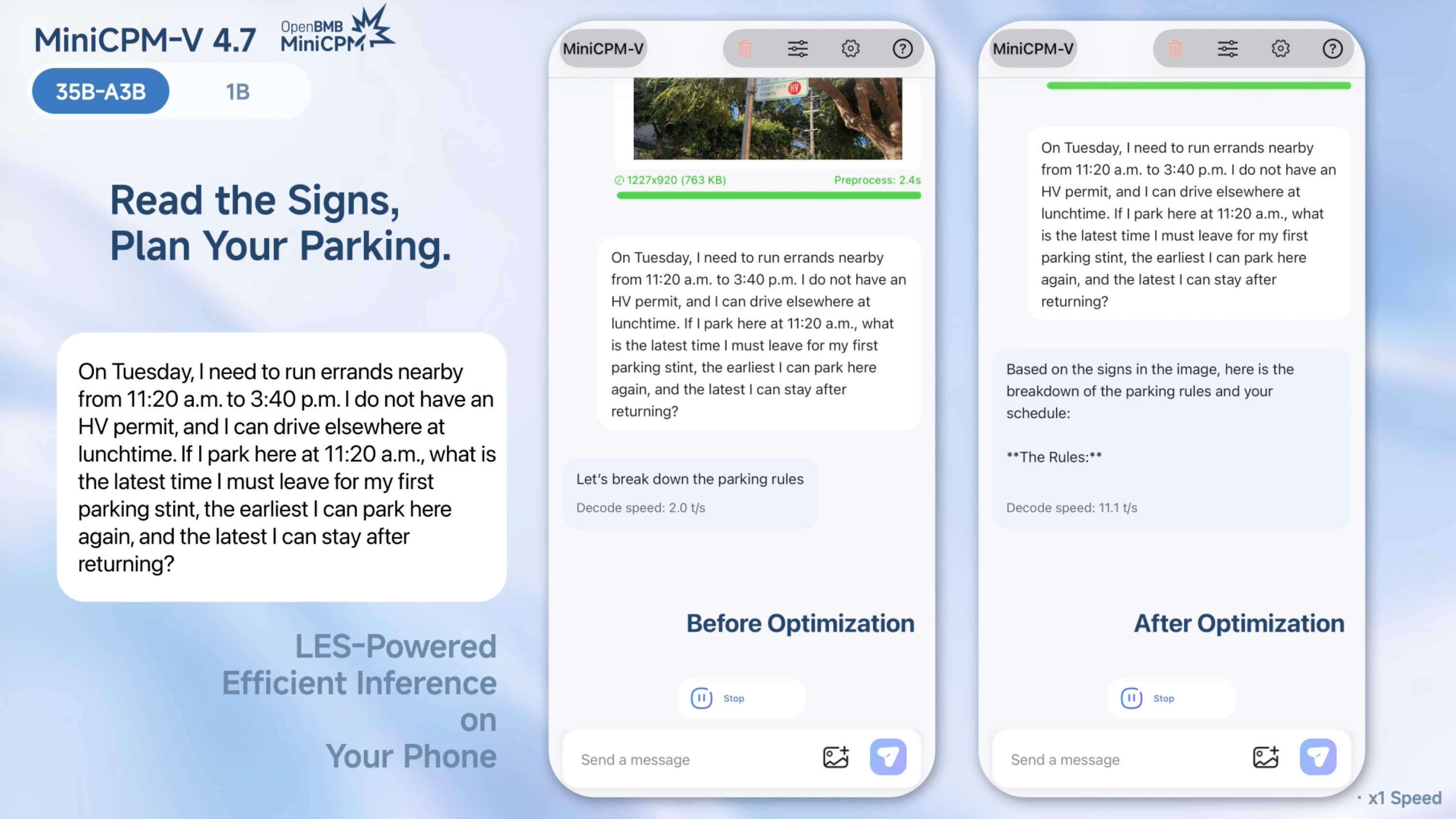
Where your next build starts
Full Product Catalog
Explore five model series, agents and other products, from on-device capabilities to app building, and find the open-source tools for your idea.
View all productsMiniCPM Text
From everyday chat to code generation, complex reasoning and tool use, turn your device into an assistant that understands and solves problems.
Get startedMiniCPM-V Multimodal
Read images, parse charts and understand video, giving your app the ability to see and opening up new visual experiences.
Get startedMiniCPM-o Omnimodal
Vision, speech and text together: AI that watches, listens and responds at once, for more natural real-time interaction.
Get startedVoxCPM Speech
From natural speech generation to personalized voice cloning, give your app a voice and make every expression more vivid.
Get startedMiniCPM-Robot Embodied AI
From target tracking to robot manipulation, bring intelligence into the physical world and explore what happens when perception meets action.
Get startedPilotDeck Agent
Hand your goals to agents and explore a way of working from task to execution, letting AI take part in real work and turn ideas into results.
Learn moreDeveloper Showcase
View all →Community
View all →Join the MiniCPM Community
Together with developers worldwide, bringing large models to everyone
Join community events →FAQ
View all →Common questions about deploying and using on-device models.
- Which model should I start with?Choose by task and hardware: MiniCPM Text for text and tool use, MiniCPM-V for image and video, MiniCPM-o for real-time interaction, VoxCPM for speech.
- Can my device run a given model?Look at parameter count, quantization, context length and framework overhead; the VRAM & Performance page has formulas and a quick reference.
- Out of memory (OOM): what should I try first?Shorten the context, lower batch size or concurrency, switch to an INT8 / INT4 / GGUF build, or use a smaller model.
- Why can’t my device use the full context length?KV cache grows with context, so usable length depends on architecture, precision, concurrency and memory. Start short and increase gradually.
- What does quantization change?It usually cuts memory and disk use substantially, at a possible cost to quality, speed or compatibility; evaluate on your real tasks.
- Model downloads are slow or keep failingCheck disk space, network and folder permissions, look for mirrors or manual download notes in the repo, and verify file integrity.
- Install or launch failed: what should I include when asking?Model and version, environment, hardware, reproduction steps, and the full log from the first error to the end.
- How can I contribute cases, tutorials or fixes?Share projects, deployment scripts, reproductions and lessons learned, stating the model, versions, steps and limitations.