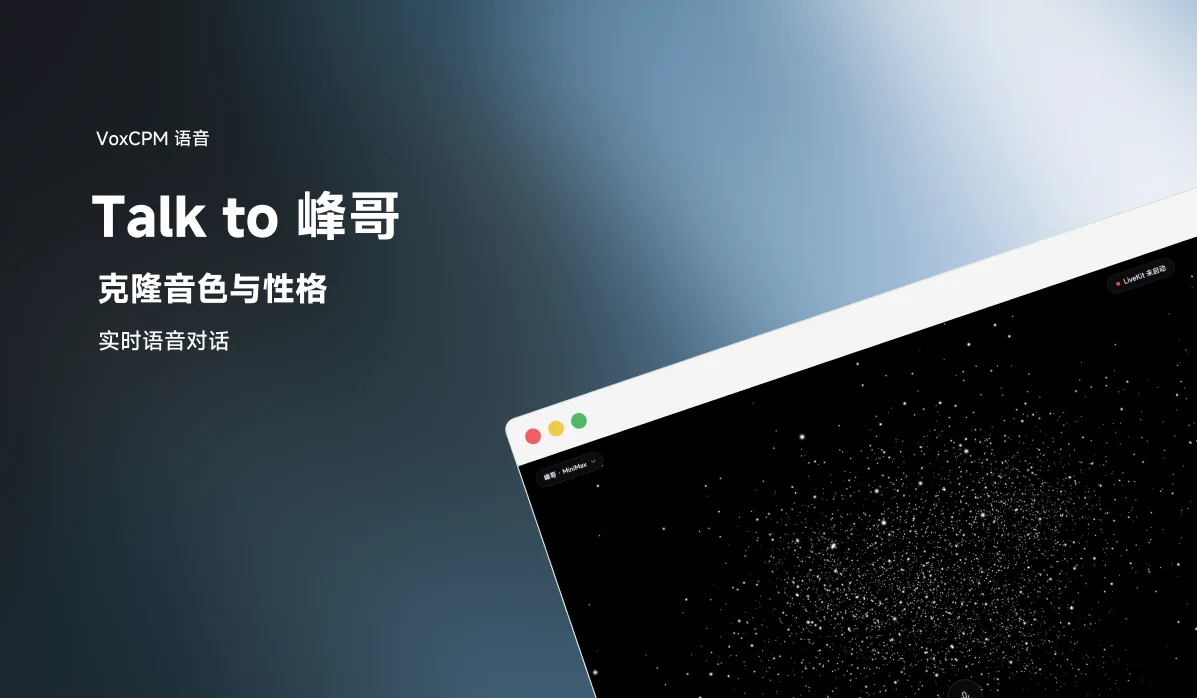
Talk to Fengge combines real-time voice conversation, voice cloning, and persona injection, with engineering latency under 1 second. You can talk to an AI clone of Bilibili creator Fengge just like on a phone call, with VoxCPM2 handling the voice cloning.
Introduction
Have a real-time voice chat with the AI clone of Fengge (峰哥亡命天涯), a Chinese content creator with 1M+ followers on Bilibili. It's not text-to-speech; it's like a real phone call, with his cloned voice and personality.
Fengge is the first fully working example of this architecture. It supports swapping to other people: you'll need voice samples and a personality description. See the "Swap to Another Voice and Personality" section below.
Demo video: Demo video (56K+ views)
What Makes This Different?
There are many voice cloning projects and many real-time voice AI projects. But they're usually separate:
- Real-time conversation (e.g., GPT-4o Voice) → no custom voice cloning
- Voice cloning (e.g., Bark, XTTS) → text-to-speech only, no real-time conversation
This project combines three things:
- Voice cloning: clone any voice from 15-45 seconds of audio
- Persona injection: speech patterns, catchphrases, thinking style; not just the voice, but the personality too
- Real-time conversation: like a phone call, with engineering latency under 1 second
Tech Stack
User speaks → STT (speech recognition) → LLM → TTS (voice clone synthesis) → User hears reply
                                           ↑
                                   Persona injection + Memory recall (optional)
| Module | Default | Notes |
|---|---|---|
| Real-time audio | LiveKit | WebRTC framework for browser-agent audio streaming |
| STT | Cartesia ink-whisper (recommended) | Free tier available, good Chinese support, low latency |
| LLM | MiniMax-M2.7-highspeed (recommended) | Chinese model, lowest TTFB, no VPN needed in China |
| TTS + Voice Cloning | VoxCPM (recommended) | Open-source voice cloning, best quality, needs GPU (cloud or local) |
| Persona | Based on Nuwa Skill distillation + Fengge Skill + livestream transcripts | Speech style + catchphrases + thinking patterns |
| Memory | OpenViking (optional) | Conversation memory |
The VoxCPM service in the repository runs VoxCPM2: runpod_setup.sh downloads openbmb/VoxCPM2, and worker/voxcpm_tts.py implements a VoxCPM2 streaming TTS plugin for LiveKit agents.
Alternatives
Switch with one line in .env.local:
- STT: Cartesia ink-whisper (recommended) / Deepgram nova-2
- LLM: MiniMax (recommended) / DeepSeek / Gemini
- TTS: VoxCPM (recommended, open-source, best cloning quality) / MOSS-TTS (CPU fallback) / Cartesia Sonic (cloud, $5/mo Pro for cloning) / MiniMax TTS
Quick Start
Easiest Way: Let an AI Coding Assistant Help
git clone https://github.com/YeJe-cpu/talk-to-fengge.git
cd talk-to-fengge
Open this project in any AI coding assistant (Claude Code, Cursor, Codex, Windsurf, or whatever you use) and ask it to help you set up and run the project.
Manual Setup
1. Prerequisites
- Python 3.12+
- uv (recommended) or pip
- LiveKit Server
2. Install
# Install Python dependencies
uv sync

# Install LiveKit (macOS)
brew install livekit
3. Configure
cp .env.example .env.local
# Edit .env.local and fill in your API keys
You'll need at minimum:
- Cartesia API Key (STT, free signup)
- MiniMax API Key (LLM, signup)
- TTS solution (see below)
4. TTS Voice Cloning Options
Option A: VoxCPM (recommended, open-source, best clone quality)
Needs a GPU (NVIDIA, 8 GB VRAM or more). Best with a local GPU for lowest latency; also works with cloud GPUs (e.g., RunPod L4).
Fengge's reference audio is included in the repo at assets/voice_samples/fengge_ref.wav (sourced from Fengge's publicly available livestream content). Once your VoxCPM server is running, it can use this file directly:
# On the GPU machine
bash runpod_setup.sh  # Install deps + download model (~10 min first time)
Option B: MOSS-TTS (CPU fallback)
No GPU needed, but lower cloning quality and speed. Set TTS_PROVIDER=moss in .env.local.
Option C: Cartesia Sonic (cloud, no GPU)
Requires a Cartesia Pro subscription ($5/mo) for voice cloning. Set TTS_PROVIDER=cartesia in .env.local.
5. Launch
# Option 1: Double-click launch script (macOS)
./Talk-to-Me-V3.6.command

# Option 2: Launch components manually
livekit-server --dev --node-ip=127.0.0.1  # Terminal 1
LLM_PROVIDER=minimax python -m worker.main start  # Terminal 2
python -m worker.web_server  # Terminal 3
Open http://127.0.0.1:8766 to start chatting.
Swap to Another Voice and Personality
Fengge is the built-in example. To swap to someone else, you need two things:
1. Voice Samples
Record 15-45 seconds of clear speech (no background music, no noise) and clone the voice with VoxCPM.
2. Personality Description
The easiest way: open this repo in an AI coding assistant and tell it:
"I want to swap the persona to XXX. Here's some material about them: [paste text / links / your description]. Please reference
docs/persona-*.mdandworker/persona.py(the Fengge implementation) and generate a new persona config for me."
The AI assistant will use the existing Fengge persona as a template, extract key traits through conversation with you, and generate new persona code. Richer source material (chat logs, speech transcripts, social media content, video clips) produces better results.
Architecture
┌──────────────────────────────────────────────────┐
│              Browser Frontend                      │
│         HTML + LiveKit Web SDK                     │
│         Mic capture → WebRTC → Play reply          │
└─────────────────────┬────────────────────────────┘
                      │ WebRTC (audio)
                      ▼
┌──────────────────────────────────────────────────┐
│              LiveKit Server (local)                │
│         Room management / Audio routing            │
└──────┬──────────────────────────┬────────────────┘
       │                          │
       ▼                          ▼
┌──────────────────────┐  ┌──────────────────┐
│  Agent Worker (Python) │  │  Web Server       │
│                        │  │  (port 8766)      │
│  Persona + Memory → LLM│  │  Serves frontend  │
│                        │  └──────────────────┘
│  Audio → STT           │
│          ↓             │
│         LLM            │
│          ↓             │
│   TTS (VoxCPM clone)   │
│          ↓             │
│      Audio output      │
└──────────┬─────────────┘
           │ (optional)
           ▼
     ┌──────────┐
     │ OpenViking │
     │  Memory    │
     └──────────┘
Known Limitations and Roadmap
- Multi-step setup: STT / LLM / TTS each require separate API keys or services; no one-click deploy yet
- Actual latency varies: Engineering latency is under 1 s, but real conversation feel is ~2-3 s depending on network and API response times
- Memory system limited: OpenViking captures events and entities from the user side; in scenarios where the AI talks much more than the user, memory accumulation is limited
- Minimal frontend: Currently a particle-effect single page, no digital avatar yet
Planned:
- Digital avatar / animated character
- One-click deploy + automated persona distillation (auto-extract material → generate persona)
- More persona templates
Tell the author what you want most in Issues.
Acknowledgments
- LiveKit: real-time audio/video framework
- VoxCPM: open-source voice cloning model (OpenBMB)
- OpenViking: local memory system
- Nuwa Skill: persona distillation methodology (underlying tool for the Fengge persona)
- Fengge Skill: Fengge persona distillation output (persona foundation for this project)
License: Apache-2.0 (built on the LiveKit Agents framework).
Links
- GitHub: YeJe-cpu/talk-to-fengge
- Demo video: X / Twitter
- Author: X / Twitter · Portfolio & Contact
Thanks to Leaf (@YeJe-cpu) for open-sourcing this project!