
TrailSnap is an intelligent AI-powered photo album application that helps users effortlessly record, organize, and reminisce about their travel experiences.
In the future, everyone (at least every family) will have their own AI data center, and the photo album is an important data source for this center. TrailSnap can silently record train tickets and attraction tickets from your album, help you record what you saw and heard during your travels, and automatically organize photos perfect for sharing on social media, even preparing the captions for you. It aims to transform travel from "just took photos" to "worth reminiscing, sharing, and cherishing."
Where MiniCPM Fits In
TrailSnap ships with a built-in, ready-to-use AI connection backed by a local MiniCPM-V model. It handles the vision tasks: understanding photo content, generating tags and descriptions, and scoring photos. You can also add any OpenAI-compatible connection, such as Ollama or a third-party API.
Inference runs on a natively compiled llama-server. The desktop app picks a CUDA or OpenVINO backend based on your hardware and downloads recognition models on demand.
The official docs list the built-in model as MiniCPM-V-4_6-Q4_K_M. Version 0.21.2, released on 2026-11-24, upgraded the default local multimodal model to MiniCPM-V 4.7. Check the version you have installed.
Key Features
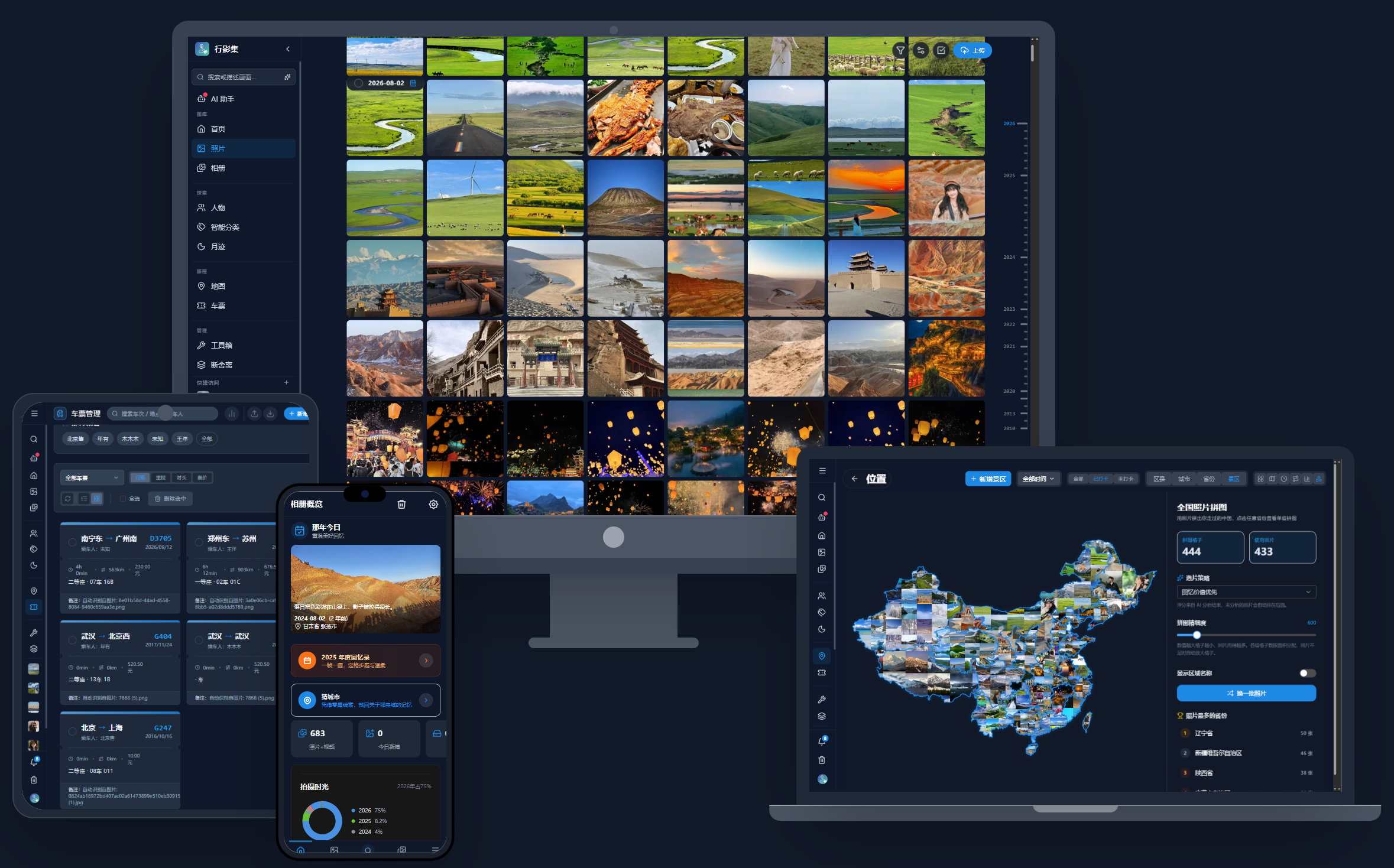
- Smart Album: footprint map, face recognition, scene categorization (night, pets, food, selfies, etc.), OCR, and search by people and image content.
- Trip Recording: automatically recognizes train tickets and itineraries in photos, extracts trip information, and builds a travel log.
- AI Analysis: a multimodal model describes and scores each photo to build a digital gallery; "On This Day" replays your best-rated photos from past years.
- Lit-up Cities / Visited Attractions: tracks the cities and 5A-rated scenic spots that appear in your photos.
- Annual Report: a yearly travel summary with a photo wall, cities, attractions, trip timeline, and mileage.
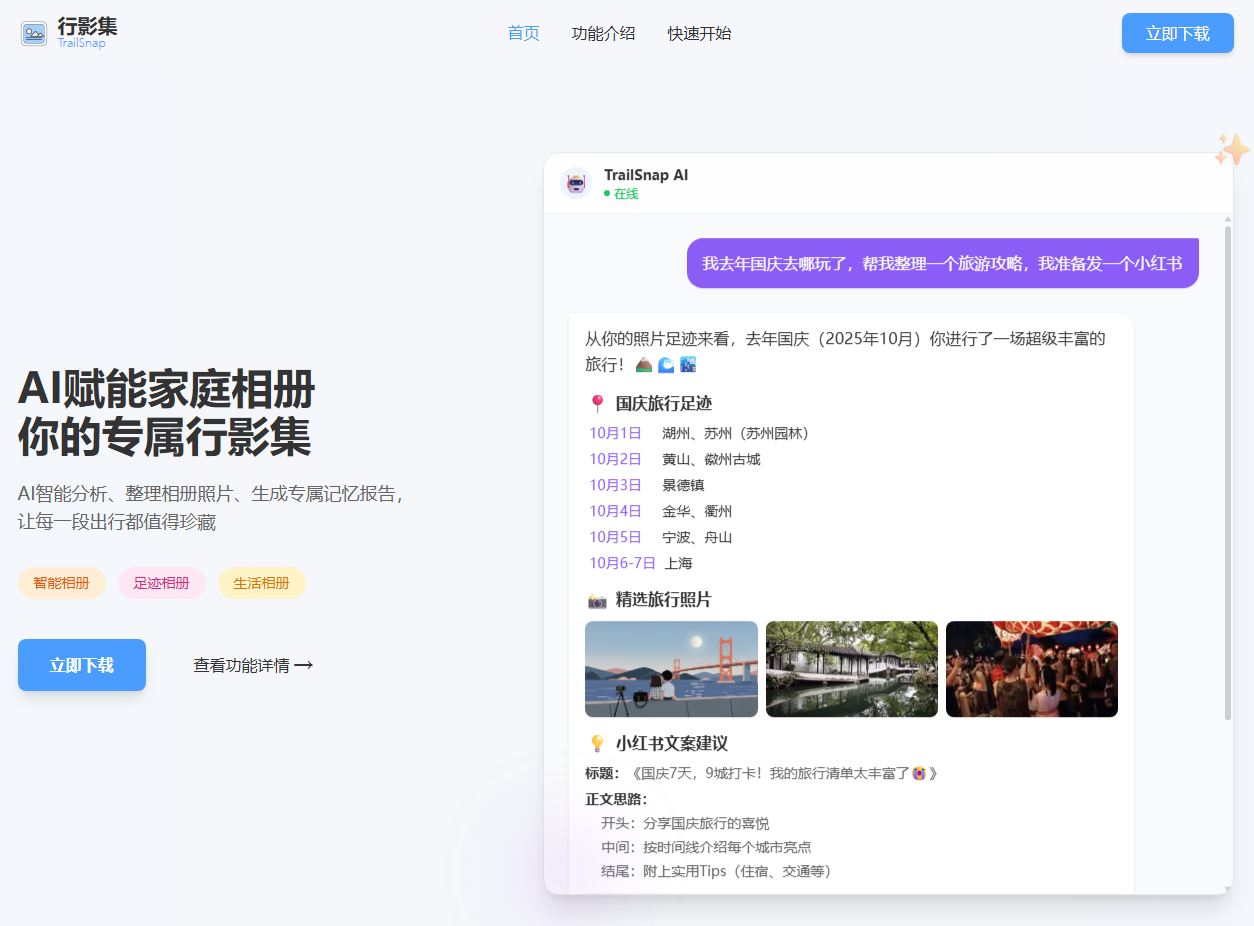
- Agent and CLI: chat with AI to generate a travel diary in one sentence; a CLI, MCP server, and Skills let platforms like OpenClaw and Claude Code operate it.

Quick Start
The easiest way is to download the desktop installer from Releases.
For Docker, a one-click script installs Docker, configures mirrors, and deploys the services:
# Linux / macOS / WSL2
curl -fsSL https://trailsnap.cn/install.sh | bash
# Windows PowerShell
irm https://trailsnap.cn/install.ps1 | iex
For manual docker-compose deployment, GPU acceleration, and custom ports, see the installation docs. Make sure to mount your photo directory into the container.
To try it first, visit the online demo (account and password are both trailsnap).
Links
- GitHub: LC044/TrailSnap
- Website and docs: trailsnap.cn
- AI model settings: configuration guide