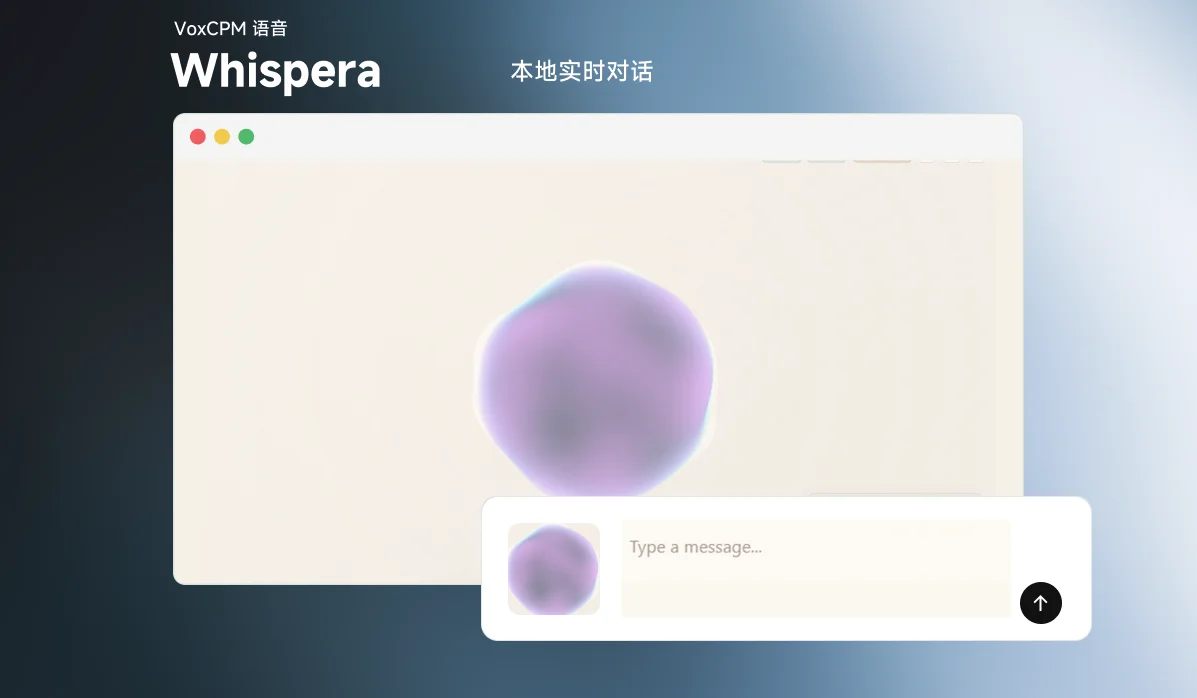
Whispera is a desktop app for local, real-time voice conversations on Windows. It chains VAD barge-in, SenseVoice ASR, a local llama-server LLM, and VoxCPM streaming TTS into a voice chat pipeline that runs entirely on your machine.
Introduction
The project currently supports local microphone input, VAD interruption, SenseVoice ASR, local LLM inference through llama-server, optional VoxCPM streaming TTS, and optional long-term memory integration through mem0.
Demo video: Bilibili BV1nFE36mEmc
Overview
- Electron handles the desktop UI, configuration, logs, and local service orchestration.
- Python in
realtime/handles VAD, ASR, LLM, TTS, the WebSocket protocol, and session state. - Supports local
llama-server, optional VoxCPM streaming TTS, and optionalmem0long-term memory. - Large model files, ASR/TTS weights, and distribution assets are not committed to Git and must be prepared separately.
Core Features
- Electron desktop frontend with resource status, logs, and configuration panels
- Local
llama-serverstartup and reuse - Silero VAD with barge-in interruption
- SenseVoice ASR
- Streaming text output with sentence-level segmentation
- Optional VoxCPM streaming TTS
- Optional
mem0long-term memory retrieval and persistence - Windows portable directory packaging workflow
System Architecture
Electron renderer / web client
  -> WebSocket
  -> Python realtime backend
  -> Silero VAD
  -> SenseVoice ASR
  -> optional mem0 memory search
  -> llama-server (OpenAI-compatible API)
  -> text segmenter
  -> optional VoxCPM streaming TTS
  -> audio chunks back to Electron
When started in development mode, Electron brings up these local services as needed:
llm-module/scripts/start_llama_server.py- Optional memory embedding
llama-server python -m realtime.app- Local web client and Electron renderer
Requirements
- Windows 10/11
- PowerShell
- Node.js
- A local Python runtime
- Local model and resource files
It is recommended to use your own Python or conda environment for development. runtime/python/ is mainly used for packaging the portable runtime.
Quick Start
1. Get the code
This repository uses Git LFS for some large files. Install and initialize Git LFS first:
git lfs install
git clone https://github.com/maomao-2001/Whispera.git
cd Whispera
git lfs pull
2. Prepare Python and install dependencies
Whispera requires the GPU build of PyTorch by default. Do not switch to a CPU-only torch in the default setup, or ASR will not work correctly with the default configuration. Run from the repository root:
conda create -n whispera python=3.11 -y
conda activate whispera
python -m pip install --upgrade pip
python -m pip install -r requirements.txt
npm install --prefix electron-app
After installation, it is recommended to verify that PyTorch is really using a CUDA build before starting the project:
python -c "import torch; print(torch.__version__); print(torch.version.cuda); print(torch.cuda.is_available())"
Expected result: torch.__version__ looks like 2.6.0+cu126, torch.version.cuda has a value such as 12.6, and torch.cuda.is_available() prints True.
If you do not use conda, you can install with your system Python directly. Only set this when you want to force a specific Python executable:
$env:MINIMIND_PYTHON="C:\Users\you\anaconda3\envs\your_env\python.exe"
Before the first launch, it is also recommended to explicitly clear the following environment variable so Electron is not accidentally started as a plain Node process:
Remove-Item Env:ELECTRON_RUN_AS_NODE -ErrorAction SilentlyContinue
3. Prepare local assets
The following large assets are not included in the Git repository. You can download them into assets/ with one command (equivalent to python scripts/download_assets.py):
npm run setup:assets
The command downloads:
llama-bin/: thellama-serverruntime fromggml-org/llama.cppGitHub Releasesasr/SenseVoiceSmall/: SenseVoiceSmall from Hugging Facetts/openbmb__VoxCPM1.5/: VoxCPM1.5 from Hugging Facetts/openbmb__VoxCPM2/: VoxCPM2 from Hugging Faceembedding/:nomic-embed-text-v1.5.Q8_0.gguffrom Hugging Facelora/,reference/, andllm/: placeholder directories only
assets/
  llama-bin/
    llama-server.exe
  llm/
    *.gguf
  embedding/
    *.gguf                     # only needed for memory mode
  asr/
    SenseVoiceSmall/
  tts/
    openbmb__VoxCPM1.5/
    openbmb__VoxCPM2/
  lora/
  reference/
Notes:
model/vad/silero_vad.onnxis provided by this repository.- LLM GGUF files are not downloaded by default. Choose your own model and put it under
assets/llm/, or select a local GGUF file in Settings. - If there is only one
*.gguffile underassets/llm/, Electron will use it automatically. assets/llm/must contain at least one*.gguf, otherwisellama-servercannot start.- If Hugging Face is slow in your network, set
HF_ENDPOINTto an available mirror before running the command.
To verify the local assets:
npm run verify:assets
4. Start the development build
npm run dev
This command forwards to npm run dev inside electron-app/. After startup, the core service endpoints are usually:
llama-server:      http://127.0.0.1:8080
memory embedding:  http://127.0.0.1:8081
realtime backend:  http://127.0.0.1:8011
realtime ws:       ws://127.0.0.1:8011/ws/realtime
web client:        http://127.0.0.1:8012/
Repository Structure
electron-app/                    # Electron frontend, packaging config, process orchestration
realtime/                        # Python real-time backend
llm-module/                      # llama-server startup and local client
voxcpm-tts-streaming-module/     # VoxCPM TTS module
mem0/                            # vendored mem0 SDK source
model/vad/                       # Silero VAD model
runtime/                         # portable Python runtime docs and output directory
scripts/                         # packaging, runtime export, and backend build scripts
assets/                          # local resource directory, not committed to Git
distribution-assets/             # distribution resource staging directory, not committed to Git
Common Environment Variables
$env:MINIMIND_PYTHON="C:\Users\you\python.exe"
$env:MINIMIND_ASSETS_ROOT="D:\assets"
$env:MINIMIND_LLM_MODEL="D:\models\chat.gguf"
$env:MINIMIND_LLM_BASE_URL="http://127.0.0.1:8080"
$env:MINIMIND_BACKEND_HTTP_BASE="http://127.0.0.1:8011"
$env:MINIMIND_BACKEND_WS_URL="ws://127.0.0.1:8011/ws/realtime"
$env:MINIMIND_ASR_DEVICE="cuda"
$env:MINIMIND_DEBUG_TURNS="1"
If MINIMIND_ASR_DEVICE is not set, the default is cuda.
Optional Memory Module
The repository vendors mem0/ as source code for local long-term memory support.
Current status: the memory module still has known issues and is not yet stable, so it is disabled by default. Keeping it off is recommended until those issues are resolved.
The memory feature is controlled by the environment variable MINIMIND_MEMORY_ENABLED, which defaults to 0 (off). The Electron main process (electron-app/main.js) uses it to decide whether to start the memory-related services, and the Python backend (realtime/memory_service.py) uses it to decide whether to enable the memory service. If you want to try enabling it (note that it is still unstable):
$env:MINIMIND_MEMORY_ENABLED="1"
$env:MINIMIND_MEMORY_EMBEDDER_MODEL_PATH="D:\models\embedding.gguf"
$env:MINIMIND_MEMORY_EMBEDDING_DIMS="1024"
npm run dev
Additional notes:
- A
MINIMIND_MEMORY_INFERswitch controls whether saved content goes through memory extraction inference; setMINIMIND_MEMORY_INFER=0if you only want to disable memory extraction while keeping the rest. requirements.txtalready includesrequirements-mem0.txt, which installs local./mem0as an editable package.- Memory data is written by default to
runtime/mem0/qdrantandruntime/mem0/history.db.
Packaging and Distribution
To build the Windows portable version, follow these steps in order:
# 1. Prepare the portable Python runtime
.\scripts\pack_runtime.ps1 -ReplaceExisting

# 2. Build the backend (add -PythonExe C:\Users\you\python.exe to pin a Python)
.\scripts\build_compiled_backend.ps1

# 3. Generate the portable directory
npm run dist --prefix electron-app
The output directory is electron-app/dist/win-unpacked/. The final distribution usually contains two parts: electron-app/dist/win-unpacked/ and a separately prepared assets/ resource directory.
Referenced Projects
- OpenBMB/VoxCPM: source of the streaming TTS capability
- jingyaogong/minimind-o: lower-level reference project
- mem0ai/mem0: source of the long-term memory module
License: Apache License 2.0 (vendored third-party modules follow their own licenses).
Links
- GitHub: maomao-2001/Whispera
- Demo video: Bilibili BV1nFE36mEmc
Thanks to @maomao-2001 for open-sourcing this project, and to the linux.do community acknowledged by the author!